





Zeo delivery method
Category & Collection Pages
One shopping job per category, one named owner, and a template that still works when stock runs sparse, seasonal, or out.
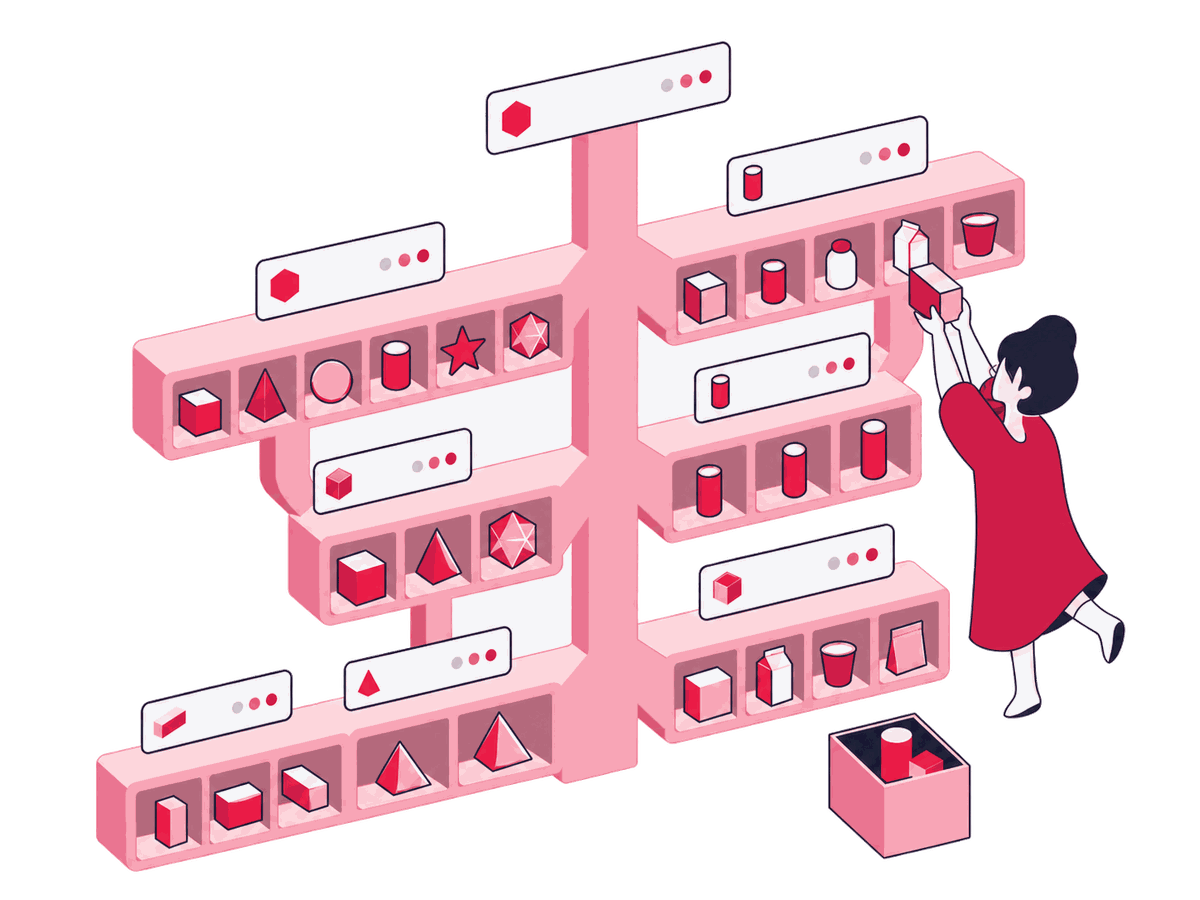
A category page can rank for the exact right phrase and still be a bad shop shelf, with mixed products, stale stock, and copy that says nothing about what's actually for sale. We give each category one shopping job, match it against real demand and live inventory, and pilot the awkward cases, like thin or seasonal stock, before rolling the template out sitewide. We connect real shopping demand to maintainable categories with clear scope, useful live inventory, and a page shoppers can understand without reading the taxonomy handbook.

Some of the 500+ brands we've worked with
See all references









































Stages and gates
How we do it
We begin with the assortment and the shopper's task. A page is created only when both support it.
Give each category a shopping job
We map every priority category to its product set, shopper task, parent, siblings, exclusions, and the single canonical URL it can genuinely own. The merchandising owner confirms which candidates deserve their own page and names who is responsible for each.
A category register that explains why every page should exist beyond the keyword it targets.


Match demand to the catalog
We cluster category searches by product class, use case, audience, and attribute, then compare that demand with the products and ranges you can actually maintain. Deciding whether the catalog can actually support a cluster before it becomes a create, keep, merge, or decline call.
A demand map that says create, keep, merge, or decline, with the catalog evidence beside it.


Shape the taxonomy and page set
We merge overlapping categories, define parent-child paths, and keep unsupported combinations out of the indexable set before copy or templates make the mess more expensive. Choosing which overlapping categories merge, split, or stay separate based on merchandising reality.
A page set the merchandising team can still explain after the next catalog change.
Design the page around live inventory
We specify the product grid, intro, supporting copy, filters, links, breadcrumbs, pagination, schema, and what happens when inventory is sparse or gone. Approving what the template actually shows when a category runs low, seasonal, or out of stock.
A category template with clear fields and rules that hold up across inventory states.


Pilot the awkward categories first
We release a small cohort covering high demand, long tail, pagination, seasonal change, sparse inventory, and zero results, then test shopping and crawl behavior together. Deciding whether a pilot result is a real defect worth blocking the rollout or an acceptable edge case.
A tested pattern ready to scale, or a defect found before it hits the whole catalog.

AI sorts the catalog; merchandising decides what earns a shelf.
AI drafts the candidate category, sibling, and overlap list from the catalog and analytics, clusters category queries by product class, use case, and attribute, flags near-duplicate categories and parent-child gaps, drafts sparse and zero-inventory copy variants against the approved template, and watches crawl logs and index samples across the pilot cohort. A query list never creates pages on its own: catalog fit, template behavior, and a named human owner come first.
Deliverables and acceptance
What you get
These four artifacts give search, merchandising, and implementation teams the same working definition of every category.
Decision matrix
Category intent map
Architecture map
Taxonomy & page brief
Brief
Category template specification
Audit report
Merchandising & SEO QA log
We call it done when: The intent map, taxonomy brief, template specification, and QA log are done when every priority category carries one decision, one owner, and one canonical shelf, and the sparse, seasonal, filtered, paginated, and zero-result examples each have a recorded outcome.
Fit and readiness
When you need this
This is for stores whose category pages need to behave like real shop floors.
A good fit when
- Your catalog has grown across campaigns, teams, and platform changes, leaving category ownership blurred or duplicated.
- Search demand points to possible new categories, but you need to check whether the assortment and merchandising team can support them over time.
- You need a category template that remains useful when inventory shifts, products span multiple pages, or a seasonal range disappears.


Better handled as other work when
- The plan is to publish thin categories for keyword variations without giving each one a distinct product set or shopper task.
- Nobody can own the taxonomy, merchandising rules, inventory states, or template after the pages launch.
If one of these is closer to your situation, start here instead: E-commerce SEO
We call it done when: Each priority category has one shopping job, one owner, and a maintainable product rule. Overlapping pages get resolved. Sparse and unavailable states are designed for. And the template works across real inventory, seasonal swings included.
The specialists behind this SEO work
Zeo's SEO work goes back to 2006, when we started what we call the first SEO blog in the MENA region. The consultants shown here are doing that work today, matched to what this page covers.

Hande Parmaksız
SEO Manager

Sena Önder
Senior SEO Executive

Bensu Tınastepe
Senior SEO Analyst

Ali Özgün Öz
SEO Executive

Gülşah Şahin Özkan
Senior SEO Analyst

Ruhan Tiryaki
Senior SEO Analyst

Yağmur Bayram
Sr. SEO Analyst

Emir Kağan Kahveci
SEO Analyst

Metehan Urhan
New Business & Partnership Manager

İlker Emir
Senior Performance Marketing Executive

İpek Ezer
Performance Marketing Executive

Onur Durdağı
Performance Marketing Executive

Sevda Yurtvermez
Performance Marketing Team Lead

Serap Yurtvermez
Performance Marketing Team Lead

Abdullah Tanıdır
Performance Marketing Team Lead
Tools we use
Tools behind this work
 Semrush
maps category queries against competing shelves and result formats
 Screaming Frog
audits category URLs, pagination, canonicals, links, and empty states
 Google Keyword Planner
checks whether proposed category language reflects sustained shopper demand
 Keyword Cupid
groups overlapping category terms before taxonomy decisions are locked
 Google Search Console
shows which category pages already divide the same demand
 Google Analytics
tests whether category entrances lead to useful shopping actions
Where this fits
Related services


E-commerce SEO
Product Page & PDP Optimization
Collection page merchandising passes authority down to specific PDPs, while individual product pages provide user reviews and canonical signals.

E-commerce SEO
Faceted Navigation & Filter SEO
Broad category taxonomy coordinates with faceted filter rules to determine which attribute combinations generate indexable sub-category URLs.


E-commerce SEO
Product Schema & Rich Results
Collection-level ItemList structured data complements individual Product schema, enabling rich snippet eligibility across listing grids.
Next step
Turn category demand into useful shelves


Before we start