






Catalog & Dynamic Product Ads
Dynamic ads run themselves. The feed, the audience, and the exclusions behind them still need someone watching.
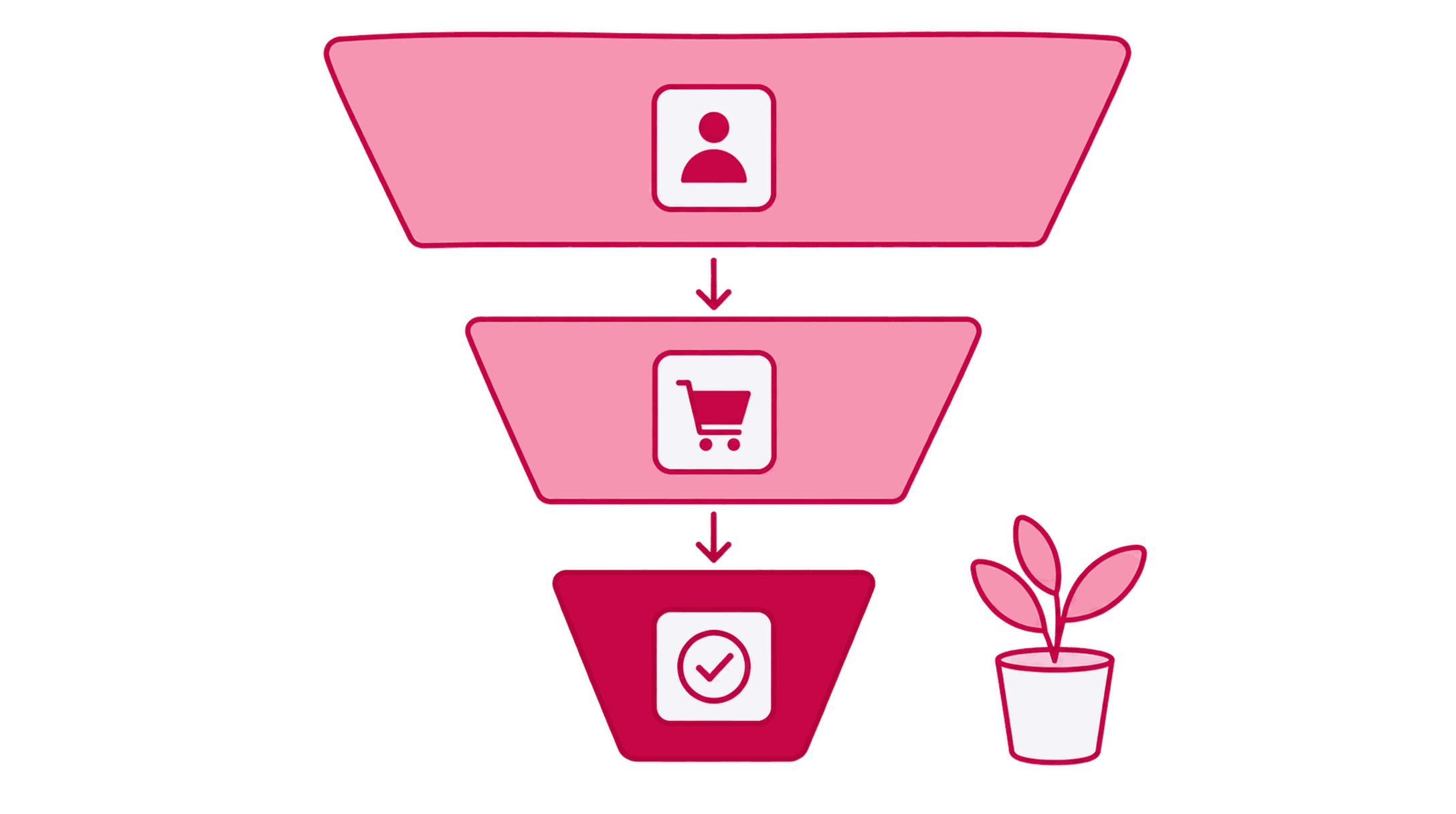
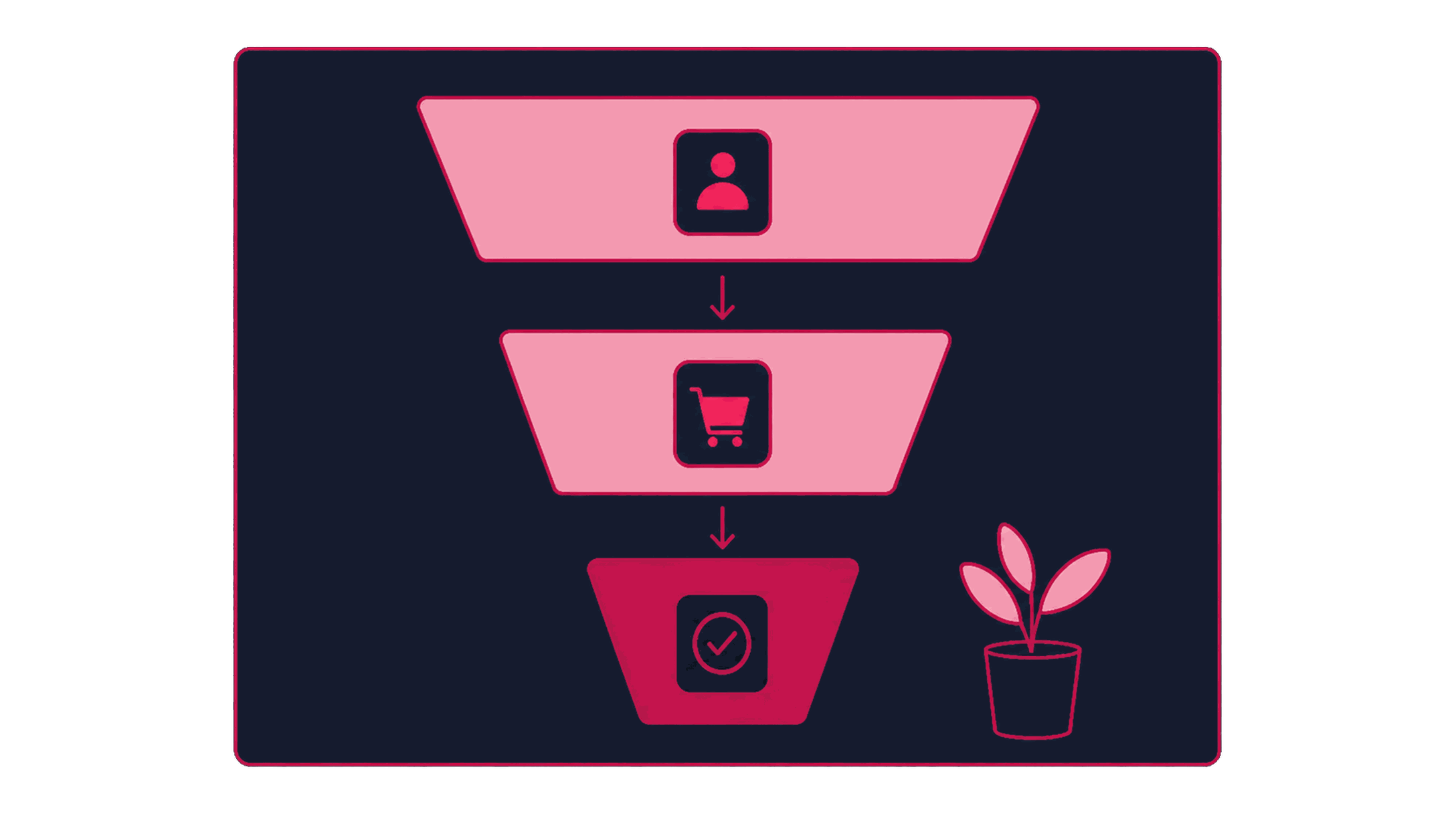
Catalog ads remove much of the manual work of building a thousand ads. The trouble starts when a stale feed shows sold-out products, a missing exclusion retargets a recent buyer, or a pixel mismatch breaks the personalization. We verify the feed, tracking, and exclusions before relying on the automation. You end up with a catalog advertising setup with scheduled checks for feed health, audience exclusions, and product-set logic before automated delivery is trusted. For ecommerce or marketplace businesses running (or about to run) catalog and dynamic product ads on paid social.

Some of the 500+ brands we've worked with
See all references















































How the work runs
Automation starts with feed health
AI runs continuous feed and match-rate checks. The catalog owner and strategist decide catalog scope, exclusion policy, and when an automated bid strategy can be trusted. AI does not change feed or exclusion rules.
How we hold ourselves to it
- A catalog ad is only as good as the feed and pixel behind it
- Recent buyers stay out of retargeting
- Each product set carries a targeting or merchandising decision
- AI flags feed and match-rate problems. A human approves catalog scope
Audit the feed and the tracking behind it
Check the product feed for accuracy, freshness, and required fields, and confirm pixel or Conversions API events are firing and matching catalog item IDs. The catalog owner confirms which flagged issues get fixed before launch.
Feed and tracking health record covering accuracy, freshness, required fields and pixel or Conversions API match against catalog item IDs.
Build product sets on purpose
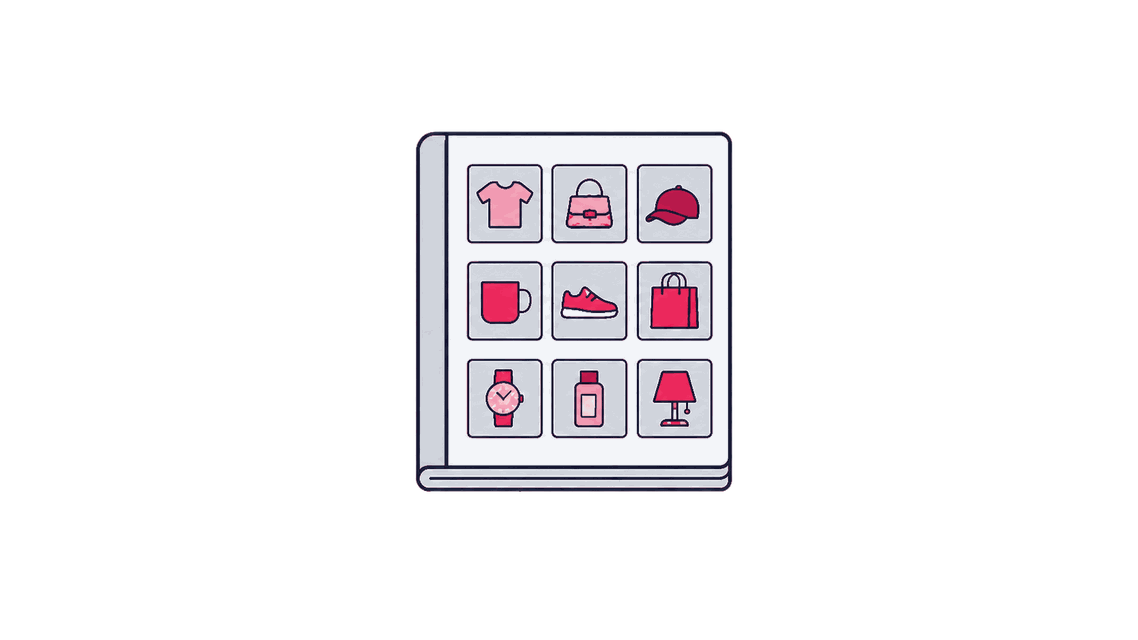
Group products into sets (best sellers, category, sale items) that carry a real targeting or merchandising decision, and document the rationale behind each one. Ecommerce or catalog owner approves the product-set logic.
Product sets with the targeting or merchandising decision behind each one documented.


Set exclusion rules for recent buyers and edge cases
Decide who gets excluded from seeing ads for a product they just bought, and how out-of-stock or discontinued items get pulled from rotation automatically. The strategist approves every exclusion rule before it's built.
Exclusion rules covering recent buyers and the automatic removal of out-of-stock or discontinued items.
Build and validate the campaign, paused
Configure the catalog campaign (audience, product sets, exclusions, creative template), while paused, and verify it against the feed and rule set before it can spend. A second reviewer signs off on the paused build before launch.
Paused-build QA record verifying audience, product sets, exclusions and creative template against the rule set.
Let it run, and keep watching the feed
Monitor feed health and match rate continuously alongside performance, since a personalization engine can look fine on the surface while quietly serving stale data. An authorized media owner approves any change to product sets, exclusions, or budget.
Continuous feed-health and match-rate monitoring recorded alongside delivery.


Review catalog health and campaign performance together
Check whether feed quality, exclusions, and product-set logic still hold, and whether the campaign's results reflect real catalog performance or a data problem. Catalog owner and strategist approve any change to scope or rules.
Joint review separating a real catalog result from a data problem, with the decision recorded.


What lands with your team
A record behind every automated campaign
Before anyone trusts a catalog campaign's numbers, there's a record showing the feed and tracking behind it were actually checked.
Feed and tracking health record
Feed accuracy, freshness, and pixel or Conversions API match rate, checked against catalog item IDs.


Product-set and exclusion register
Every product set's logic and the exclusion rules attached to it, including recent-buyer and out-of-stock handling.

Paused-build QA record
Evidence the live campaign matches the approved feed, sets, and exclusions before spend started.


Catalog and campaign decision log
What changed in the feed, sets, or exclusions, why, and how performance responded.
Before the work starts
When this work is the right next step
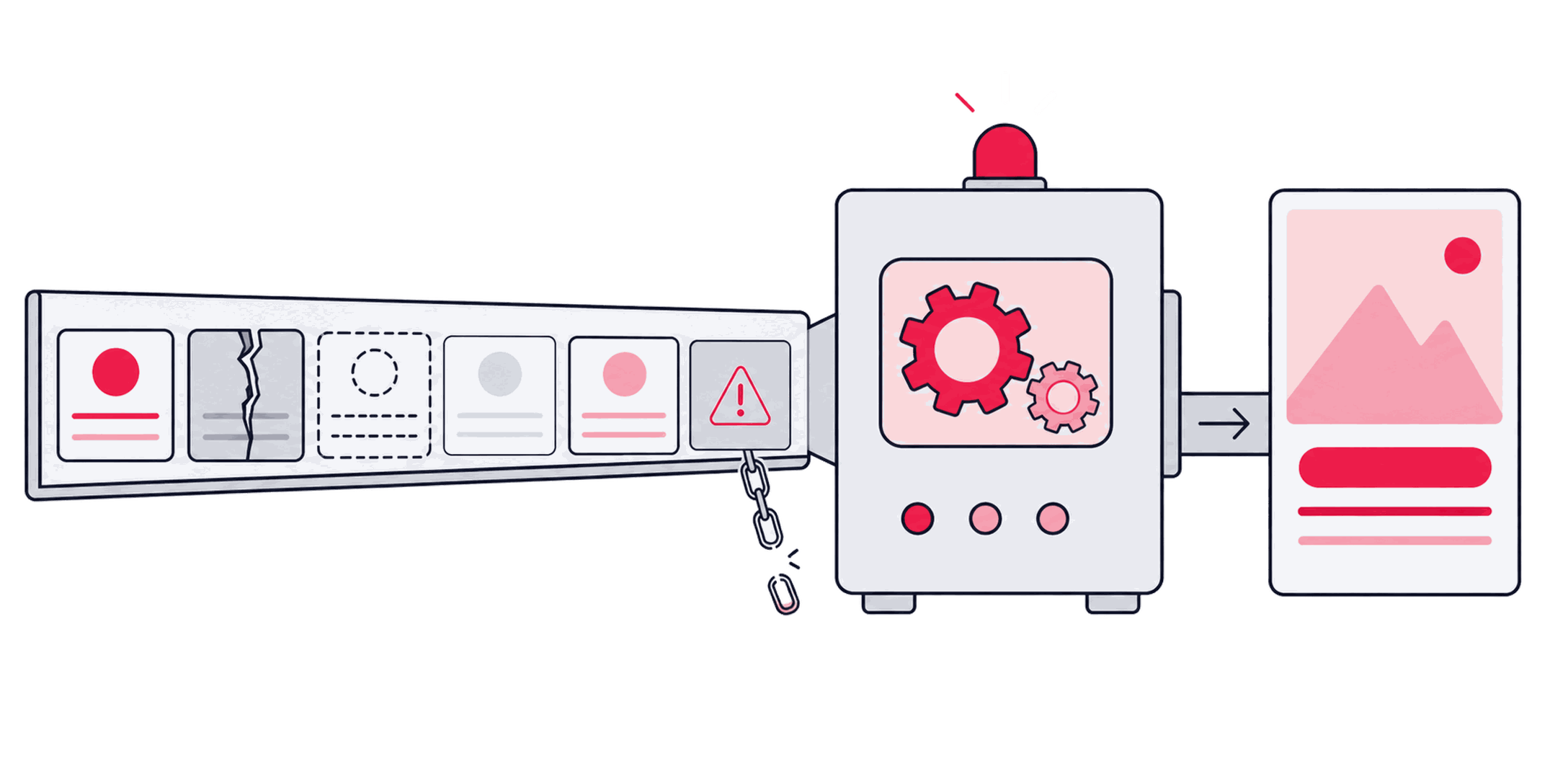
The automation is only as honest as the feed and the exclusions behind it. Catalog ads can look effortless from the outside. Upload a feed, connect a pixel, and let the system personalize. Yet a stale price, a missing exclusion, or a broken event match rarely causes an obvious failure. The campaign keeps showing the wrong product or retargets someone who already checked out.
A good fit when
- Your catalog has too many products for manual ad builds, but the feed still needs a repeatable way to keep prices and stock current.
- Pixel or Conversions API events are firing, yet nobody can tell whether their item IDs still match the products in the catalog.
- Feed errors keep reaching campaigns without a clear response, so sold-out items, old prices, or broken links can continue serving after the source data changes.
- Stale prices, sold-out items, or broken links remain unchecked in the feed.
- Recent buyers keep seeing the exact product they purchased.
- Catalog item IDs do not reliably match pixel or Conversions API events.
- Product sets still reflect an older catalog.
Better handled as other work when
- A few manual ads already cover the catalog, so product-set automation would add upkeep without solving a real scale problem.
- No working pixel or event tracking connects product views and purchases to catalog item IDs, so personalization would run on missing signals.
- Product data changes faster than the feed can be trusted, and stale prices or discontinued items would keep reaching live ads.
People who own a single channel
Paid Search, Paid Social, CRO, and Programmatic each run under a named owner at Zeo. The consultants below are matched to the channel this page is about, so you can see who you'd actually work with.

Sevda Yurtvermez
Performance Marketing Team Lead

Serap Yurtvermez
Performance Marketing Team Lead

Abdullah Tanıdır
Performance Marketing Team Lead

İlker Emir
Senior Performance Marketing Executive

Onur Durdağı
Performance Marketing Executive

İpek Ezer
Performance Marketing Executive

Zafer Yıldız
Web Analytics Manager
Tools we use
Tools behind this work
 DataFeedWatch
keeps the feed itself accurate in real time, which is what the automation is actually trusting
Related work


Parent service
Paid Social Advertising
Automated delivery still spends against an exposure limit a person approved beforehand, and no product-set or budget change goes live without that same sign-off.


Sibling method
Paid Social Portfolio Management
How catalog advertising works as one role within a broader multi-platform portfolio.


Sibling method
Audience & Exclusion Architecture
The general exclusion and consent register that catalog-specific suppression rules plug into.
Bring the feed behind the ads
Find out whether the automation can trust its inputs