


Corporate AI Training & Literacy
AI Productivity & Workflow Training
Productivity only counts when the same representative task gets faster without lowering accepted quality, increasing rework, or crossing the team's approved data rules.
A task can feel faster while defects and rework quietly rise. We start with representative work and its accepted quality bar, then let participants practice approved workflows, verification, and peer review. Time only counts as a gain when the whole result holds up. Your workflow owner leaves with approved patterns, a before-after scorecard, and a reinforcement plan for deciding which gains belong in daily work.
Some of the 500+ brands we've worked with
See all references



























The run order, and who signs each step off
How we work
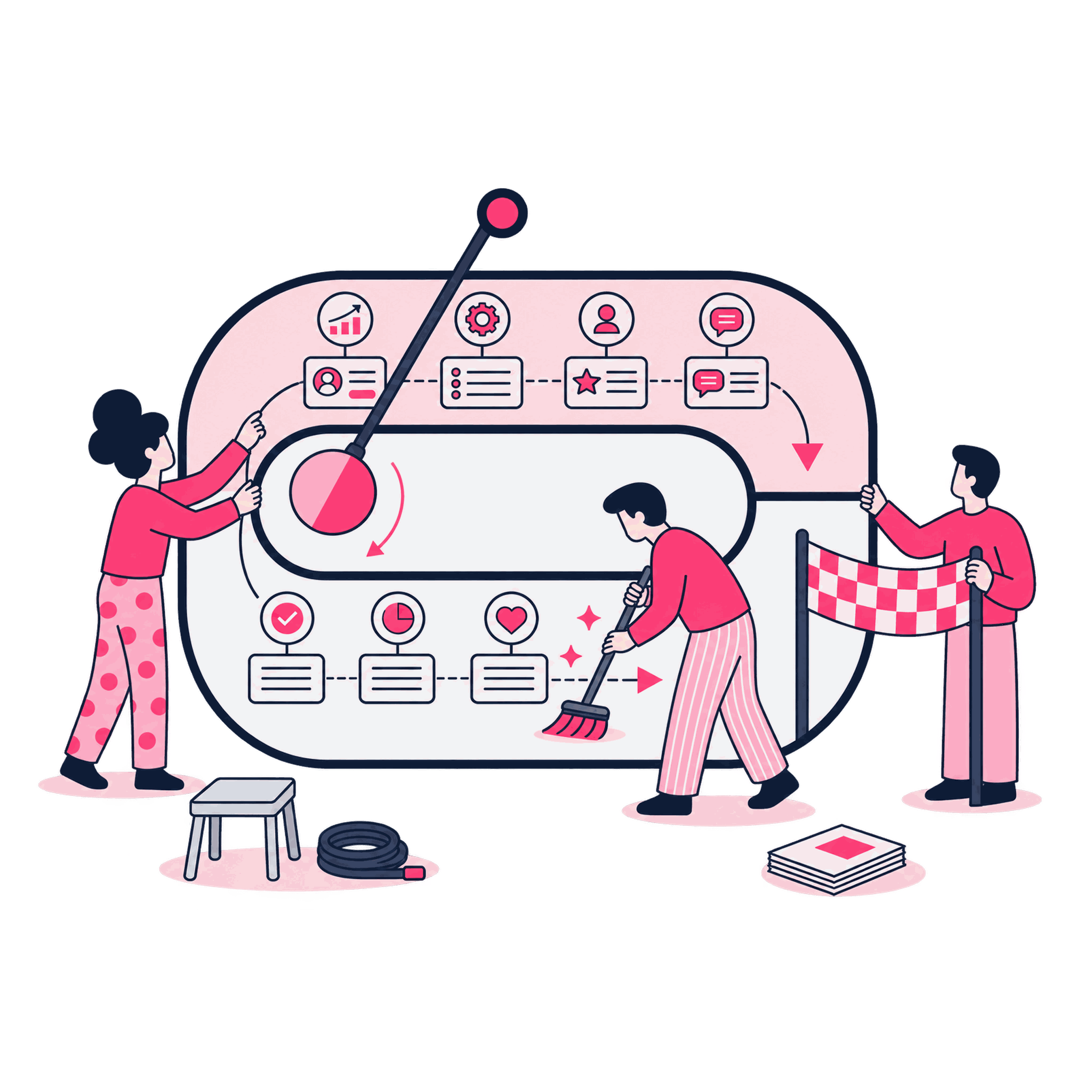
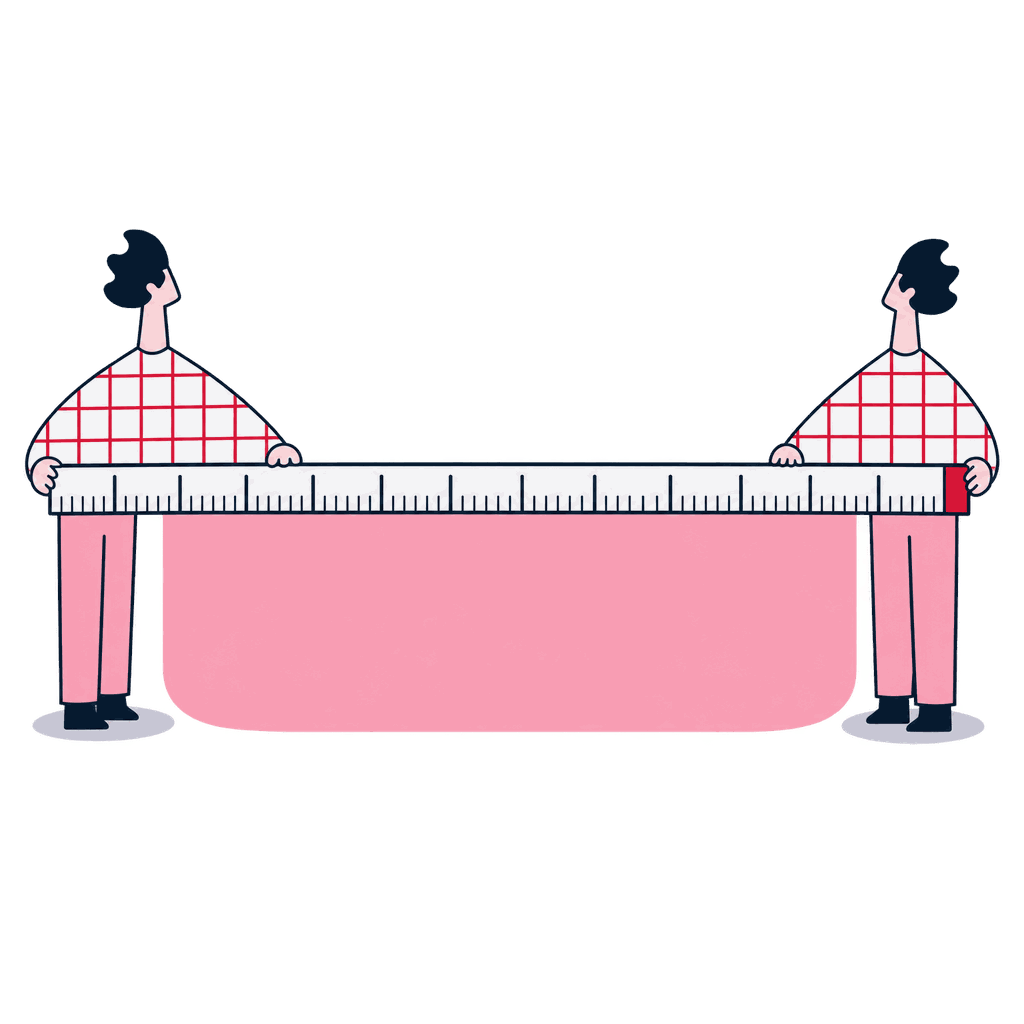
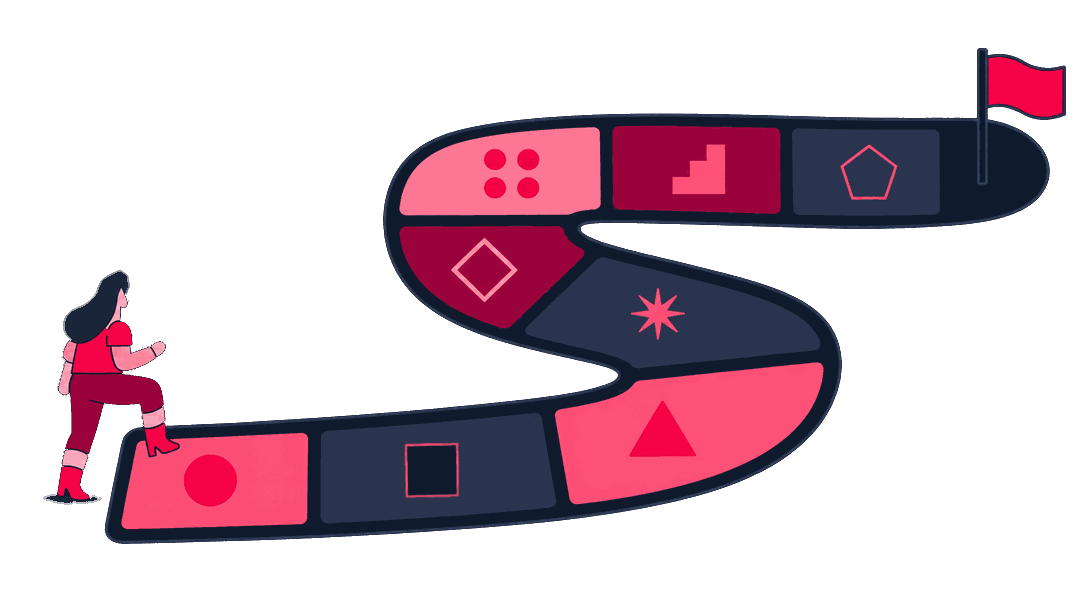
Participants test changes on work that resembles their own. Time, accepted quality, defects, and rework stay in the same comparison, and a reviewer applies the same data rules to both results.
The baseline comes before the claim
We select representative tasks and record current time, accepted quality, rework, handoffs, tools, and data constraints before training begins. Your workflow owner confirms the baseline reflects day-to-day work, rough edges included.

Approved patterns meet the job
Participants use selected patterns for context, prompting, tools, structured output, and peer review on work that resembles their own tasks. A coach checks the pattern doesn't bypass an approved data rule.
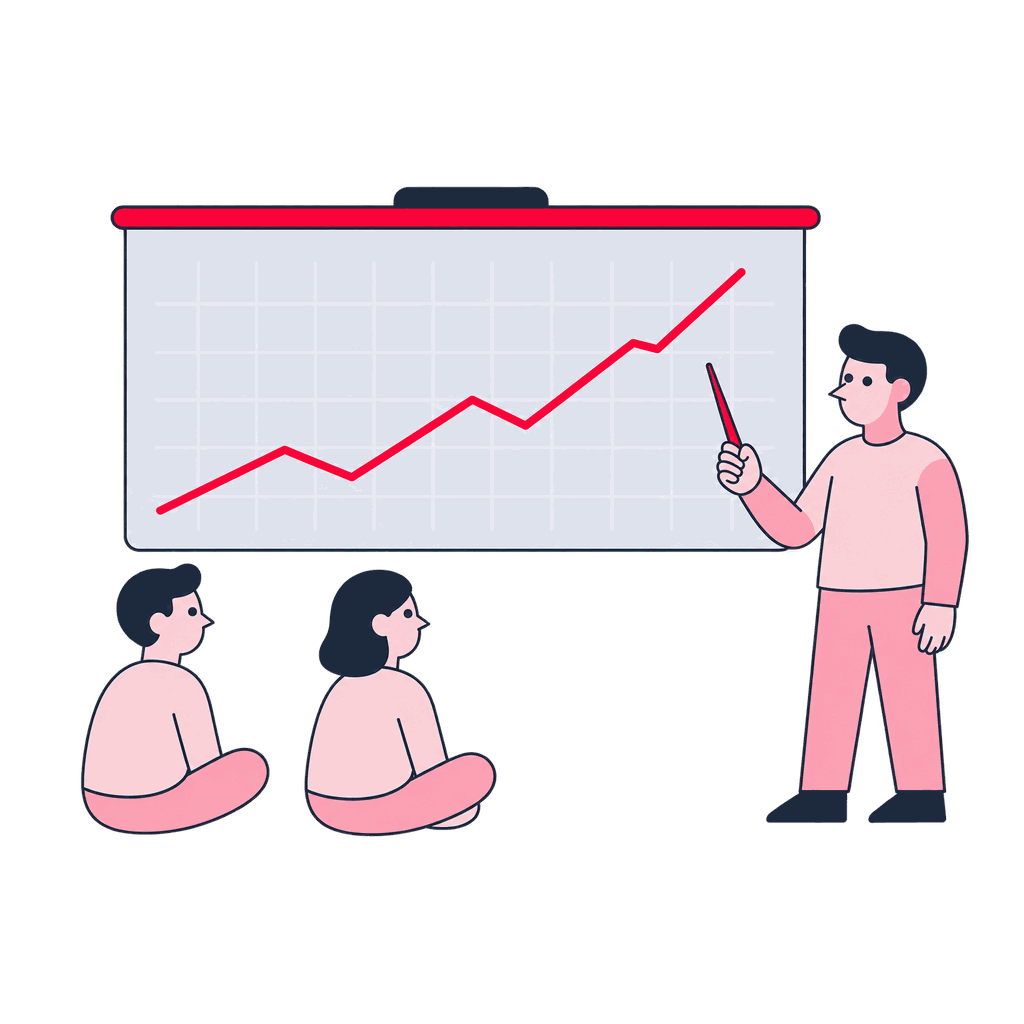
Speed still has to meet quality
We compare before-and-after results, inspect defects and rework, and challenge gains that appear only on easy examples. A reviewer decides whether a fast result meets the quality bar.
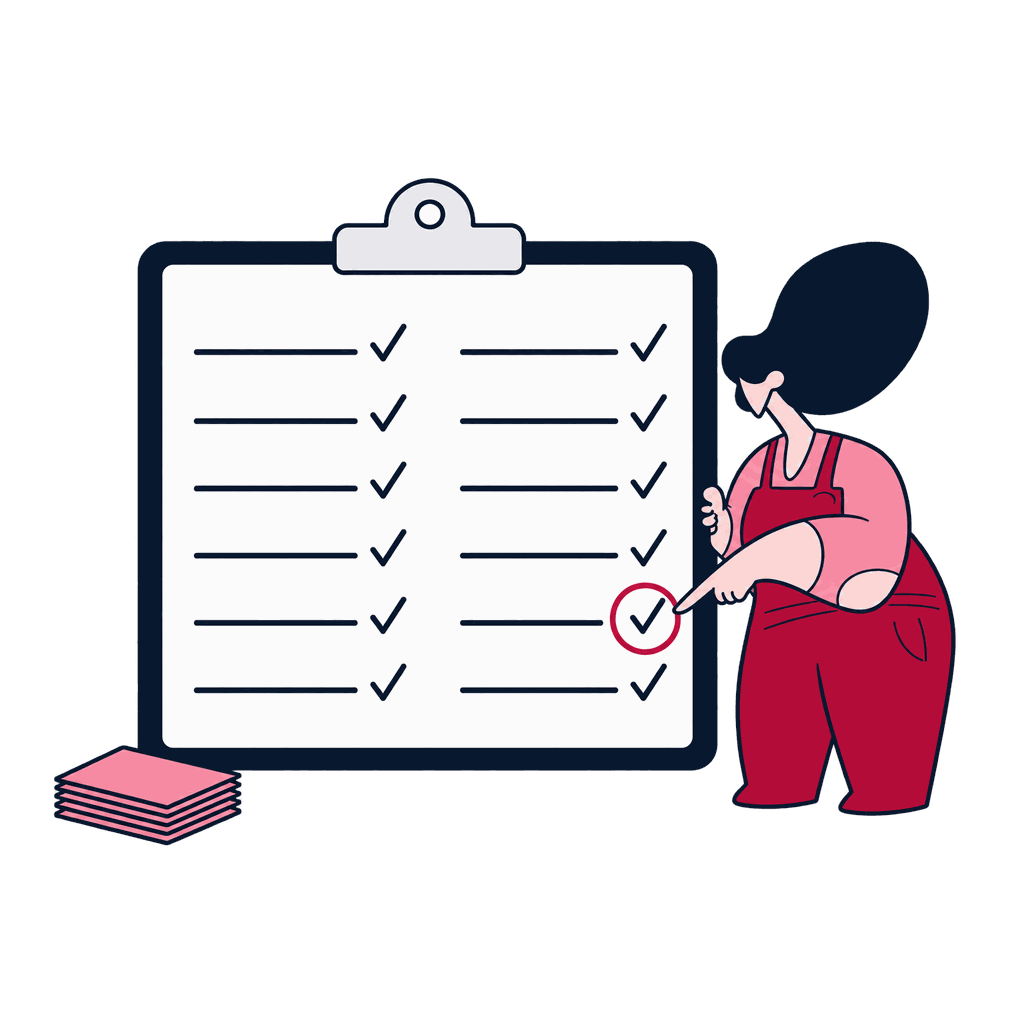
What holds up becomes guidance
The group turns successful experiments into job aids and review habits. Weak or unsafe patterns are retired. Your workflow owner decides which pattern gets promoted or retired.

Named artifacts you keep
What you get
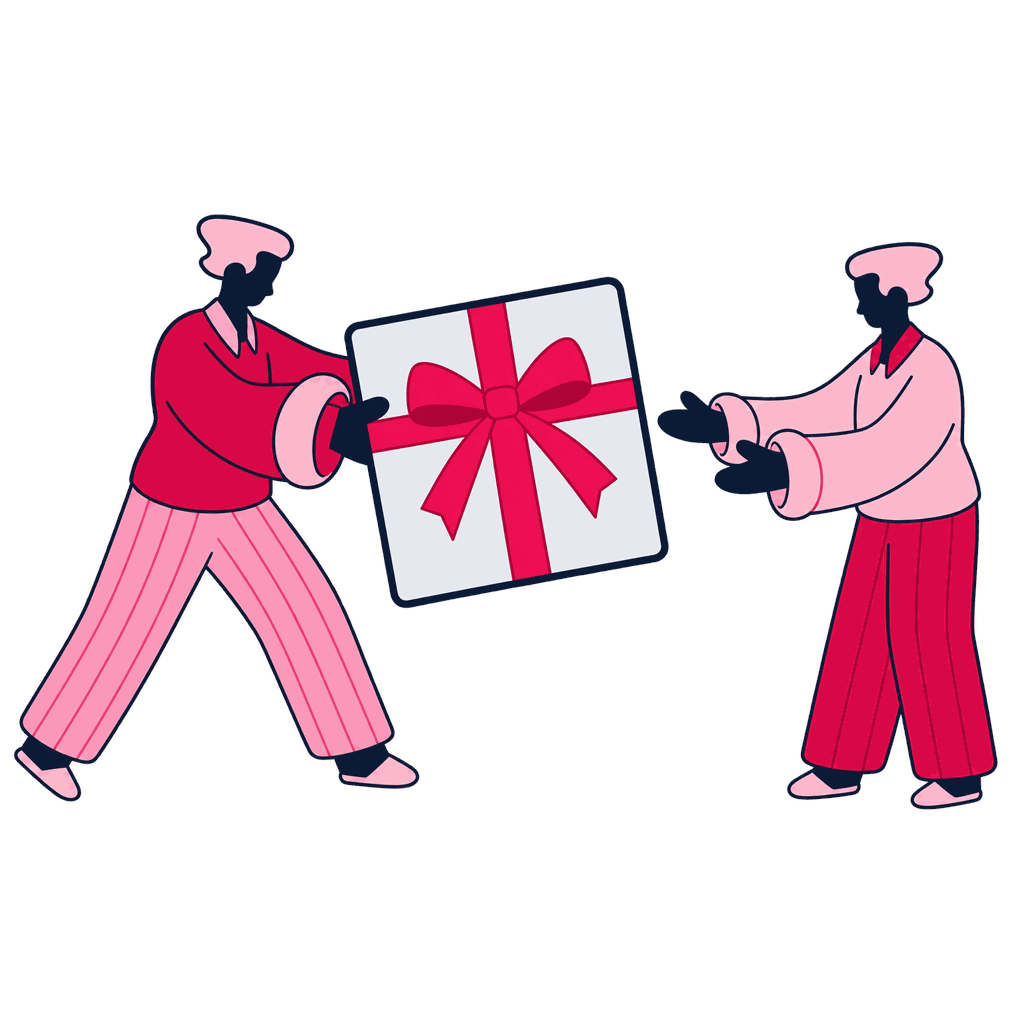
Each promoted pattern stays attached to the task, evidence, limit, and review habit that justified it. The playbook leaves unsupported or unsafe shortcuts out.
Playbook
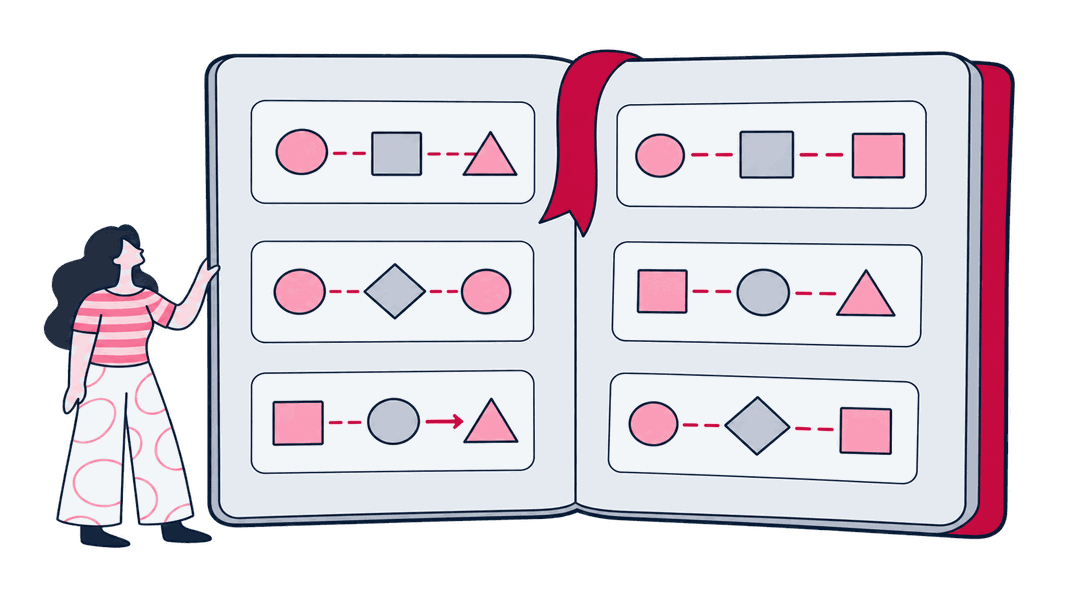
Approved workflow patterns and data-boundary brief
Approved patterns for selected tasks, including context, tool use, output structure, verification, and data boundaries.
Curriculum
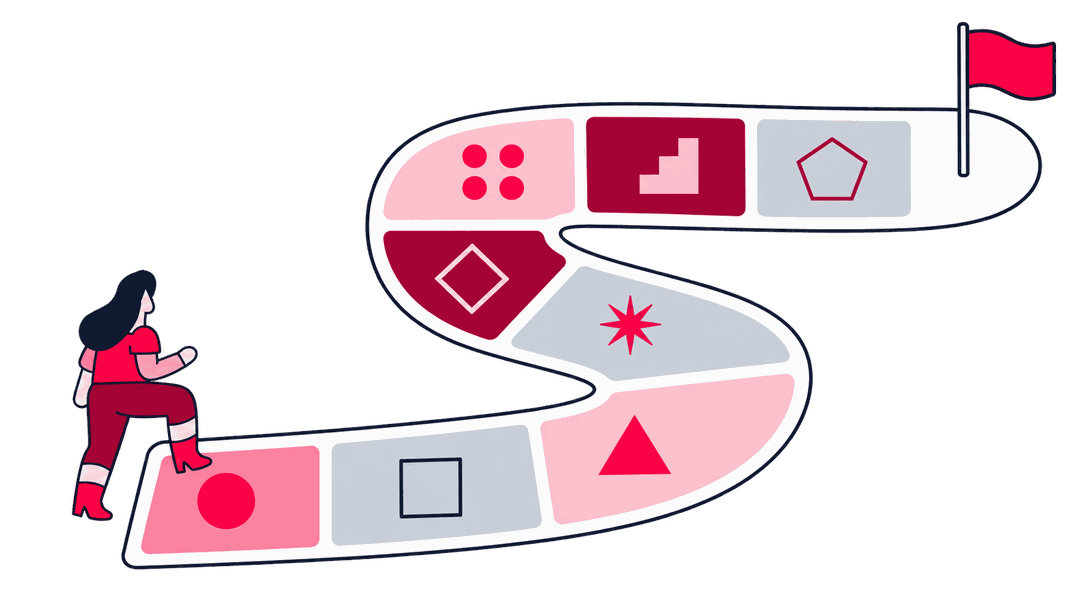
Realistic task exercises and experiment log
Practice tasks and a record of what each participant changed, tested, and observed.
Test evidence
Before-after quality, time, and rework scorecard
A consistent way to compare cycle time, accepted output, defects, and rework.
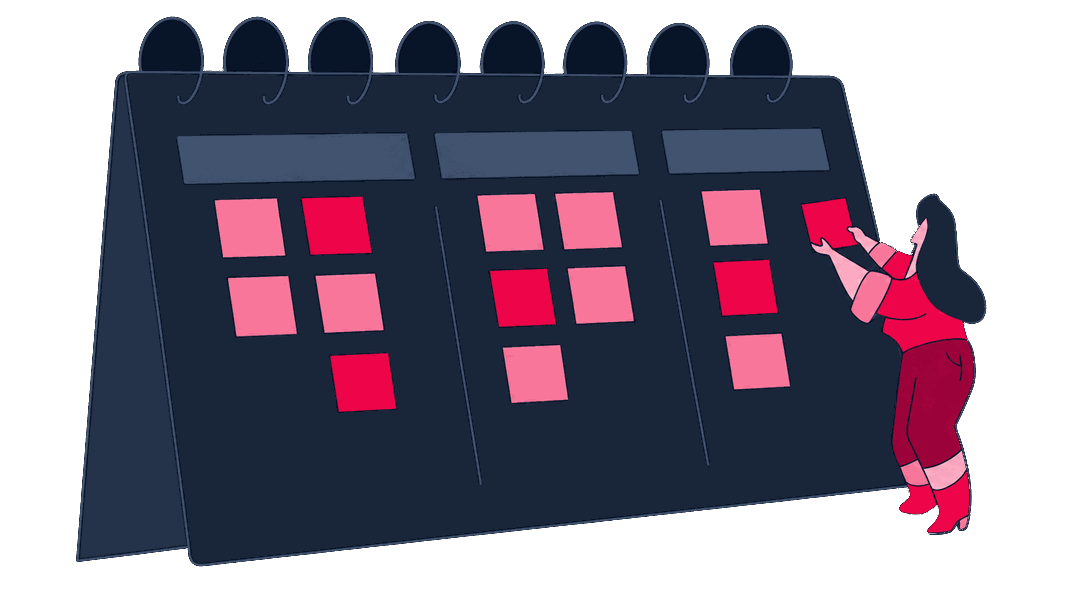
Workshop record
Verification aids and reinforcement plan
Checklists, review prompts, support routes, and follow-up points for sustained approved use.
Scope and honest limits
When to bring us in
Your team may feel faster with AI and still spend the saved time fixing uneven output. This training tests the whole task, including accepted quality and rework.
A good fit when
- People say the AI workflow saves time, but no representative task baseline shows whether accepted quality and rework stayed steady.
- Prompt and tool habits vary across the team, bringing uneven quality and rework that is easy to miss.
- The team needs approved workflow patterns and evidence that those patterns hold up on its own work.
- Your selected tasks have no shared baseline for time, quality, rework, and risk, so a claimed gain cannot be judged on the whole result.
- Approved workflow patterns exist, but nobody has set how participants may use context without bypassing the team's data rules.
- Participants can produce a structured answer with prompts and tools, yet verification and peer review still vary from person to person.
- Personal experiments show which patterns help, but the team has no job aids or reinforcement plan for carrying them into daily work.


Better handled as other work when
- You want self-reported speed treated as a productivity result, although no task evidence shows whether accepted quality or rework held.
- Saving time depends on shadow workflows or unapproved data use, so the pattern cannot enter the approved working brief.
- You need the selected workflows automated or deployed, while this training only tests and documents patterns unless build work is scoped separately.
If one of these is closer to your situation, start here instead: See corporate AI training
Your trainers build AI for a living
The people who run our training build and operate AI systems the rest of the week, so the material comes from work we've shipped. Zeo has been around since 2011 and runs the Digitalzone conference community, which keeps us close to how teams across the industry are picking these tools up.

Didem Himmetli
Marketing Executive

Aybüke Göktuna
Senior SEO Analyst

Samet Özsüleyman
SEO Manager

Ozan Ketenci
VP of Consulting & Strategy

Deniz İmre Temiztürk
Content Specialist

Can Mutioğlu
Senior SEO Executive

Elif Naz Akan Karakoç
Senior SEO Executive
Content we've produced on this topic
Tools we use
Tools behind this work
 Anthropic
the model participants practice on, so patterns transfer directly to real use
 Grammarly
an independent automated quality check on AI-assisted output, apart from peer review
 Jupyter
runs the baseline-versus-experiment comparison as inspectable, traceable analysis
Adjacent work
Where this leads

Enablement
Executive AI Literacy
Frontline workflow training demonstrates practical productivity gains, giving leadership clear visibility into operational impacts.
Enablement
Role-Based Workforce AI Training
General tool training transitions into department-specific curricula focused on specialized software and data workflows.

Enablement
Responsible & Secure AI Training
Productivity coaching integrates security protocols, ensuring employees avoid sharing confidential data with public models.
Next step
Find out which workflow gains hold up
Before you decide