




Copilots for real work · Generative AI Applications
Enterprise AI Copilot Development
The line that matters runs between a suggestion and a consequential action. Role-scoped context, visible sources, human review, and correction evidence hold that line on every suggestion, which is what earns a copilot its place inside the workflow.
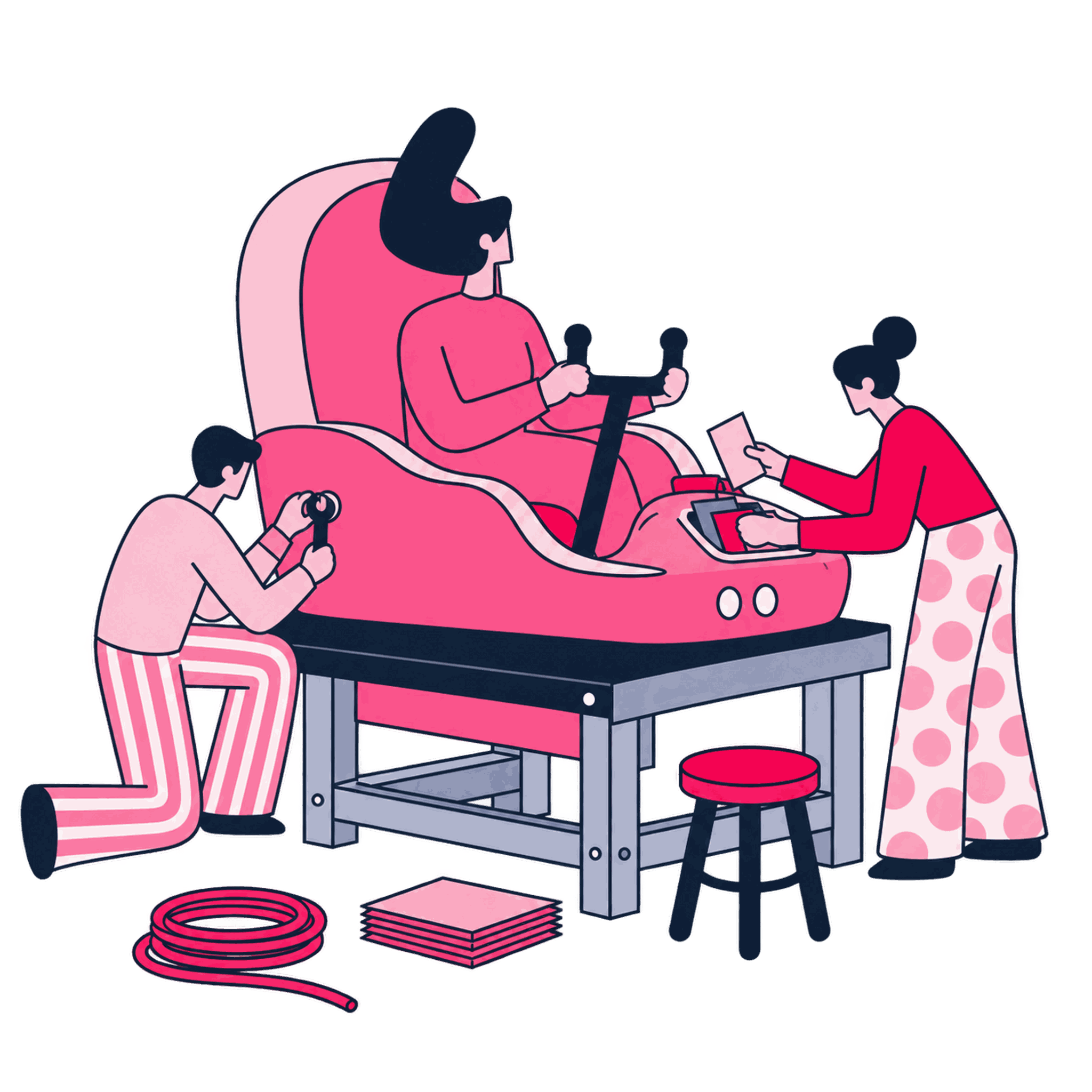
We put an assistant inside a workflow people already use, where it can help prepare work and weigh decisions. Sources, role authority, permissions, and required review stay visible while the task moves. The adoption owner takes over a working copilot, role-permission map, real-task findings, and a scorecard showing corrections, rework, and sustained use.

Some of the 500+ brands we've worked with
See all references
































The run order, and who signs each step off
How we work
The role's existing work shapes the copilot first. Trust then has to come from representative tasks, visible corrections, and use that lasts.
Watch the role do the work
We observe the priority tasks, tools, and knowledge people rely on, then mark what the copilot may prepare or suggest and what remains a human action. Your workflow owner confirms every action that must stay under human control.


Limit context to the person and task
Identity, approved grounding sources, and the review path are connected so the assistant receives only the context permitted for that role and piece of work. Your system owner signs off on the permission boundary before the copilot is released.
See what happens in real tasks
People use the copilot on representative work while we inspect corrections, escalations, and suggestions accepted without a check. We also test whether unsupported output can create an unapproved side effect. Your workflow owner reviews those acceptance patterns before access expands.
Measure whether use lasts
Role-level usage signals and practical job aids sit inside the workflow. The adoption owner can compare task completion, accepted suggestions, corrections, and rework without relying on demo interest. Your adoption owner decides whether sustained usage justifies wider rollout.


Named artifacts you keep
What you get
You receive the assistant with its boundaries and its usage evidence, the things the workflow owner needs to decide how far to trust it.
Model card
Suggestion-to-action copilot workflow report
The assistant embedded in the chosen task, with visible lines between preparing a suggestion, reviewing it, and acting.
Architecture document
Context contract and permission map
The identity, grounding source, and access rules that determine what the copilot can see and suggest for each role.
Test evidence
Real-task correction and automation-bias findings
Cases from the real work, covering suggestion quality, correction effort, escalation, automation bias, and unapproved side effects.
Dashboard
Role-level use, correction, and rework scorecard
Role-level completion, acceptance, correction, and rework signals beside guidance people can use during the task.
Scope and honest limits
When to bring us in
A copilot makes sense when a known group owns the job, yet keeps spending time preparing or checking the same kind of work.
A good fit when
- The roles and tasks are familiar, but people still cannot tell where a copilot suggestion ends and an approved action begins.
- Workflow access is available, yet the copilot would receive context or permissions beyond what the target role needs for the task.
- The demo attracts use, but corrections, rework, and sustained task completion have no adoption owner after it ends.
- People repeat a known task, while nobody has documented which steps the copilot may prepare and which actions stay human-owned.
- Identity and grounding sources are connected, but the review flow does not keep each request inside its role and task permissions.
- Representative tasks have been tried, yet correction effort, escalation, and sustained use are not tracked inside the real workflow.
- Suggestions are accepted unchanged, but no control shows whether automation bias or an unapproved side effect shaped the result.
Better handled as other work when
- You want the copilot to carry out consequential actions before a person reviews them, but the approved workflow keeps that authority human.
- You need context to move between users or tasks without an explicit access boundary, while the permission model is designed to prevent that.
- You want enterprise-wide expansion before target roles show sustained adoption, but the rollout decision depends on corrections, rework, and continued use.
If one of these is closer to your situation, start here instead: See the application development service
Engineers who ship production AI
This is the part of Zeo that writes and ships code. Our senior engineers build agents, chatbots, and RAG pipelines, along with the automation and data work around them, and they keep operating those systems once they're live. We've worked with more than 500 brands since 2011.

Yiğit Konur
Founder & Chief Strategy Officer

Didem Himmetli
Marketing Executive

Burak Pehlivan
Co-founder & CEO

Ataberk Yüzat
SEO Executive

Ezgi Gülsen Yaylı
SEO Manager

Aybüke Göktuna
Senior SEO Analyst

Deniz İmre Temiztürk
Content Specialist
Content we've produced on this topic
Tools we use
Tools behind this work
 Anthropic
generates the copilot's suggestions inside the workflow's existing authority
 Notion
records automation-bias findings against each role, tied to a named owner
 LangChain
scopes the copilot's context to what the role can see
 Pinecone
the index the copilot searches when preparing work and citing sources
 Langfuse
traces each interaction so the watch-the-role-work step has evidence, not memory
 Guardrails AI
structurally enforces the line between the copilot preparing and a person deciding
Adjacent work
Where this leads
Build
Custom Generative AI Application Development
Copilot platforms integrate with backend microservices and domain-specific models built to support complex departmental tasks.

Build
AI Document Intelligence Application Development
Document intelligence services provide structured parsing capabilities that allow copilots to extract tables and key terms from user uploads.

Build
AI Proof of Concept Development
Interactive assistant prototypes test contextual memory and tool-calling capabilities in isolated environments prior to platform integration.
Next step
Start with the work people already do
Before you decide