






Web Analytics · Server-Side & First-Party
Server-Side Monitoring & Reliability
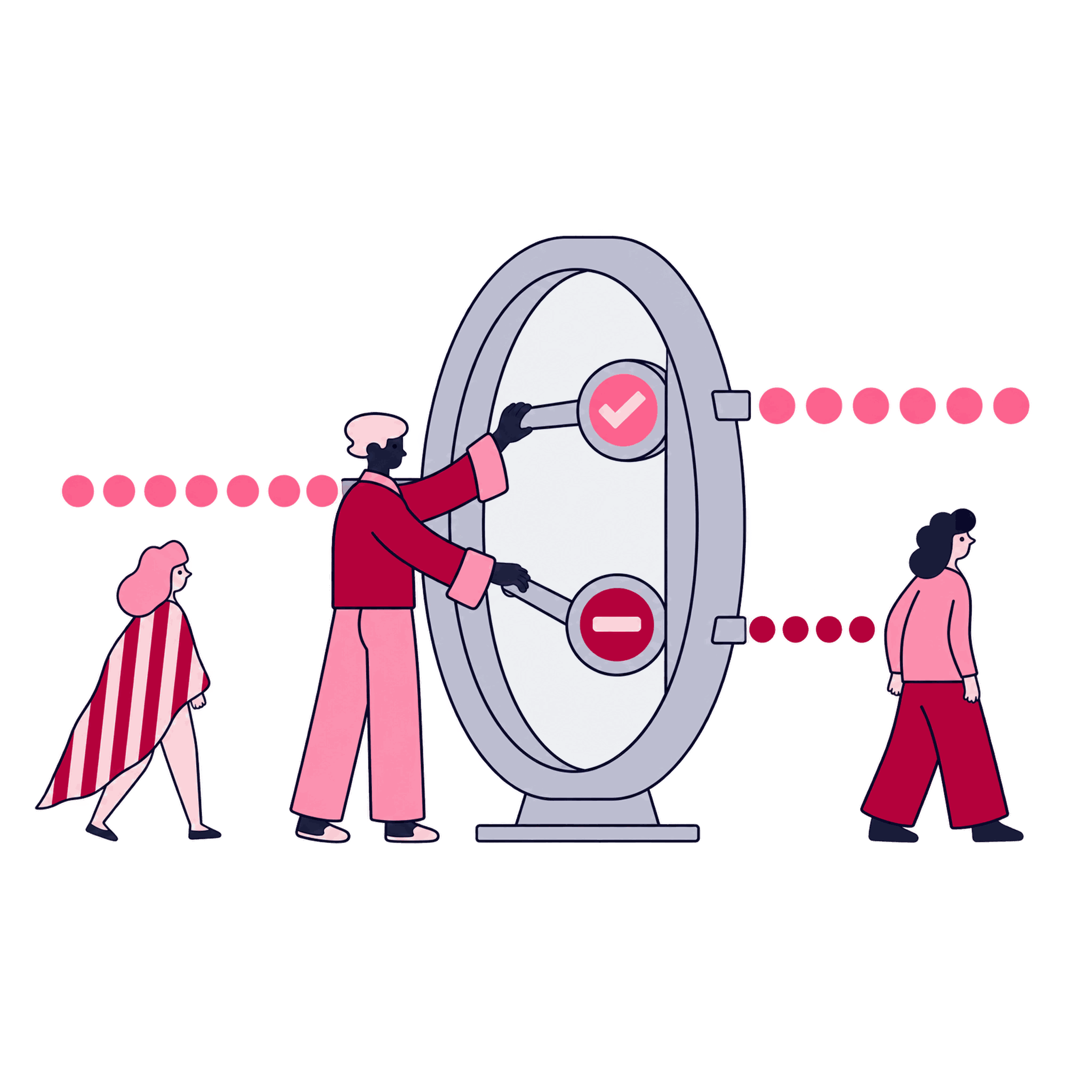
An alert that reaches a named person beats a dashboard nobody was watching.
A server container may report normal uptime and no logged errors while conversions quietly stop reaching one ad platform. We monitor the delivery and consent signals that affect decisions, not only whether the server is running. You end up with alerts that surface a broken destination or consent mismatch before the numbers prompt an investigation.
Some of the 500+ brands we've worked with
See all references















































How we run it
Turn a priority map into an alert the team has rehearsed
Each check traces back to a destination, signal, or consent state that matters to the business. The setup moves from critical signals to thresholds, routing, and a controlled failure test.
How we hold ourselves to it
- Start from the decisions that actually matter — We map only the destinations and signals that inform a real decision.
- Verify that data reaches each destination — We confirm data actually lands in GA4, ad platforms, and your warehouse, since a server ping alone can't prove that.
- Check for quiet consent and schema failures — Wrong consent states and missing fields may not produce errors. We add checks for these silent failures, including gaps in the event fields your data layer should send.
- Route every useful alert to an owner — Thresholds and routing give the person responsible enough context to investigate without burying them in noise.
Map what matters
We identify the destinations and signals whose failure would actually affect a decision your business makes. You confirm which destinations actually matter.
Monitoring priority list


Set thresholds
We define what "broken" looks like for each signal, based on your actual traffic patterns. You approve the threshold before it goes live.
Threshold definitions


Configure alerts
We wire up the checks and route alerts to the right person with enough context to act on them. You confirm the alert reaches a real owner.
Alert configuration

Rehearse a failure
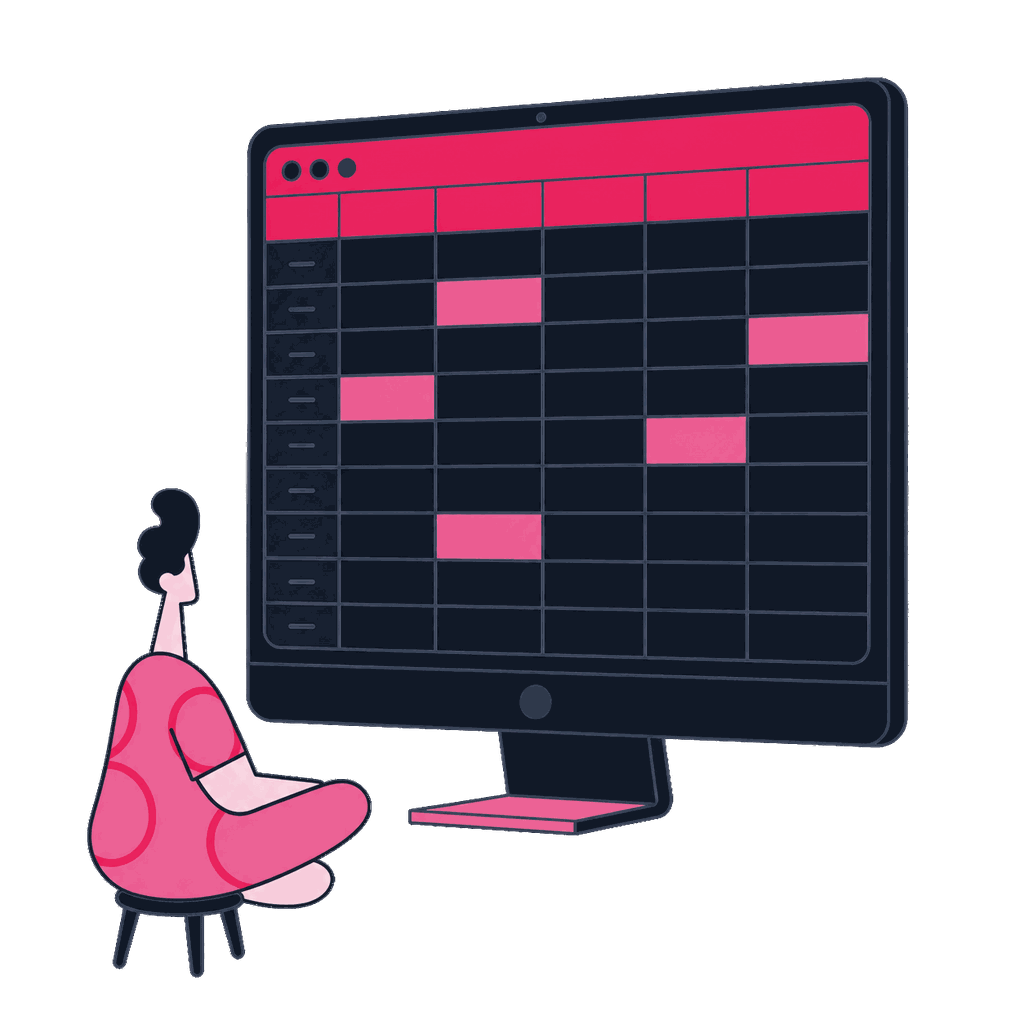
We simulate a safe failure to confirm the alert actually fires, reaches the right person, and gives them what they need. The on-call confirms the runbook step actually worked.
Rehearsal record


Monitor the failures that could change a decision
Automation ranks destinations by what a failure costs, suggests thresholds from your historical traffic, drafts the alert rules and routing, and logs whether the rehearsed failure was actually caught. The approvals are yours: which destinations matter, whether a threshold is right before it goes live, and confirmation that the alert lands with a person who is watching.
What you get
A runbook backed by a failure rehearsal
You receive monitoring rules, response instructions, and evidence that the alert reached its owner.
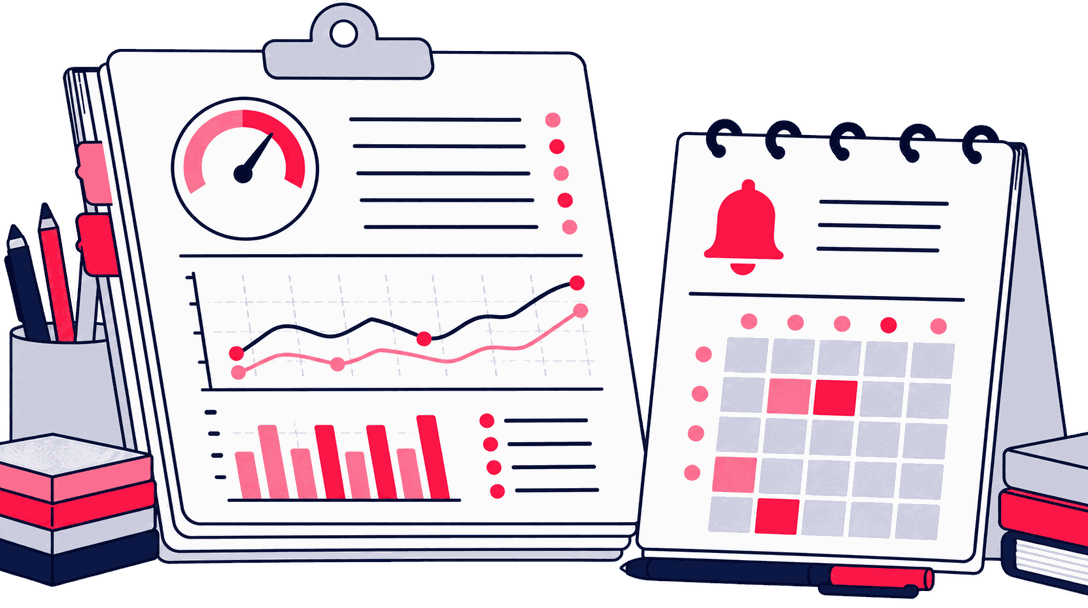
Configuration record
Monitoring configuration
What's being watched, at what threshold, and why it matters for a real decision.
Runbook
Alert runbook
The response for each alert, including where to look first and who else to involve.
QA notes
Rehearsal evidence
Proof from a real test that the alert fires and reaches the right person.
We call it done when: a controlled failure has fired the alert inside the expected window, reached a real on-call owner, and the runbook step they followed worked.
Fit and readiness
Uptime checks cannot detect every silently broken destination
You'll know this is missing the first time a number looks wrong for weeks before anyone notices.
A good fit when
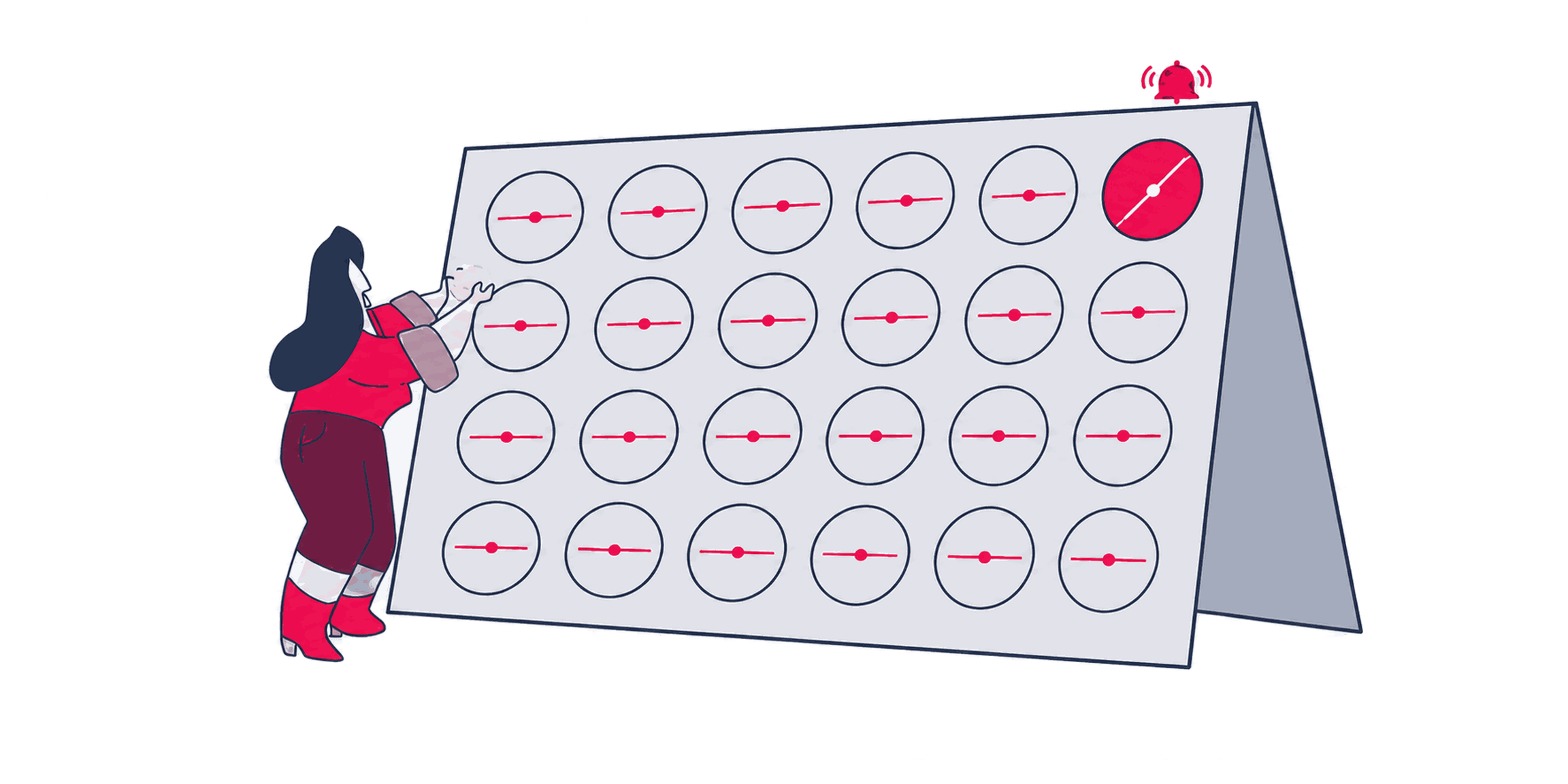
- Basic uptime stays green, but a critical server-side pipeline can stop delivering conversions to one destination without raising an alert.
- Broken tracking reaches a stakeholder days or weeks after the failure began, so the team starts with suspicious numbers instead of a routed alert.
- An alert says that something broke, but it does not name the failed signal, affected destination, or first runbook step.
Better handled as other work when
- The server-side infrastructure has not been built yet, so Server-Side GTM & Cloud Setup must establish the container before monitoring can cover its destinations.
- You need warehouse-level monitoring for transformations after data lands. That requires a broader analytics engineering scope.
If one of these is closer to your situation, start here instead: All Server-Side Tracking & First-Party Measurement tasks
We call it done when: you have named which destinations actually matter, so the monitoring covers decisions rather than every endpoint that exists.
People who build your measurement system
Zeo designs measurement systems that connect a business decision to governed collection and reporting you can check. The people shown here work on the part of that system this page covers.

Zafer Yıldız
Web Analytics Manager

Abdullah Tanıdır
Performance Marketing Team Lead

Sevda Yurtvermez
Performance Marketing Team Lead

Serap Yurtvermez
Performance Marketing Team Lead

Onur Durdağı
Performance Marketing Executive

İpek Ezer
Performance Marketing Executive

İlker Emir
Senior Performance Marketing Executive

Deniz Çağın Demirci
Frontend Developer

Ezgi Gülsen Yaylı
SEO Manager

Mirzamin Aghazada
UI/UX Designer

Gülşah Şahin Özkan
Senior SEO Analyst
Tools we use
Tools behind this work
 Google Tag Manager
the server container whose per-destination logs get watched, not just its uptime
 Google Tag Assistant
confirms the drill worked by showing what actually happened during a rehearsed failure
 Datadog
where the priority map from step one becomes an actual alert someone gets paged for
Where this fits
Keep going
Same capability
Server-Side GTM & Cloud Setup
Alerts need logs and metrics to read; that access comes with the container, its custom domain, and the deploy permissions set up during provisioning.
Same capability
First-Party Tracking Architecture
The priority list names which destinations are worth an alert; that ranking traces back to the signal inventory that decided which signals were worth moving first-party.
Same capability
Consent Mode v2 & CMP Integration
Flagging a quiet consent failure requires a correct state to compare against, and that reference is the signed consent-state matrix.
Next step
Detect a broken pipeline before it distorts decisions


Before we start
Questions teams ask before booking
Is server uptime monitoring enough?
No. The server can remain available while data stops reaching a destination correctly. Uptime alone does not verify delivery, consent state, or payload quality.
How do you prevent noisy alerts?
Thresholds come from your traffic history, so a normal seasonal spike doesn't get flagged as a failure. We also test typical traffic swings before the alert goes live, so legitimate changes are less likely to trigger false alarms. Before launch we rehearse an actual failure and confirm the alert reaches the named owner within the expected window. If an alert turns out too noisy in practice, we adjust the threshold and try again.
What happens after an alert fires?
The on-call owner follows a runbook that points to the first checks for the failed signal, so the investigation does not begin from scratch.
What access and decisions do you need?
We need access to the server container's logs and metrics, plus a named alert owner and the agreed routing method, such as email, Slack, or a paging tool.