









Web Analytics · Google Analytics & GA4
GA4 Integrations & Data Activation
Every live connection has a purpose, an owner, and a check that the data arrived intact.
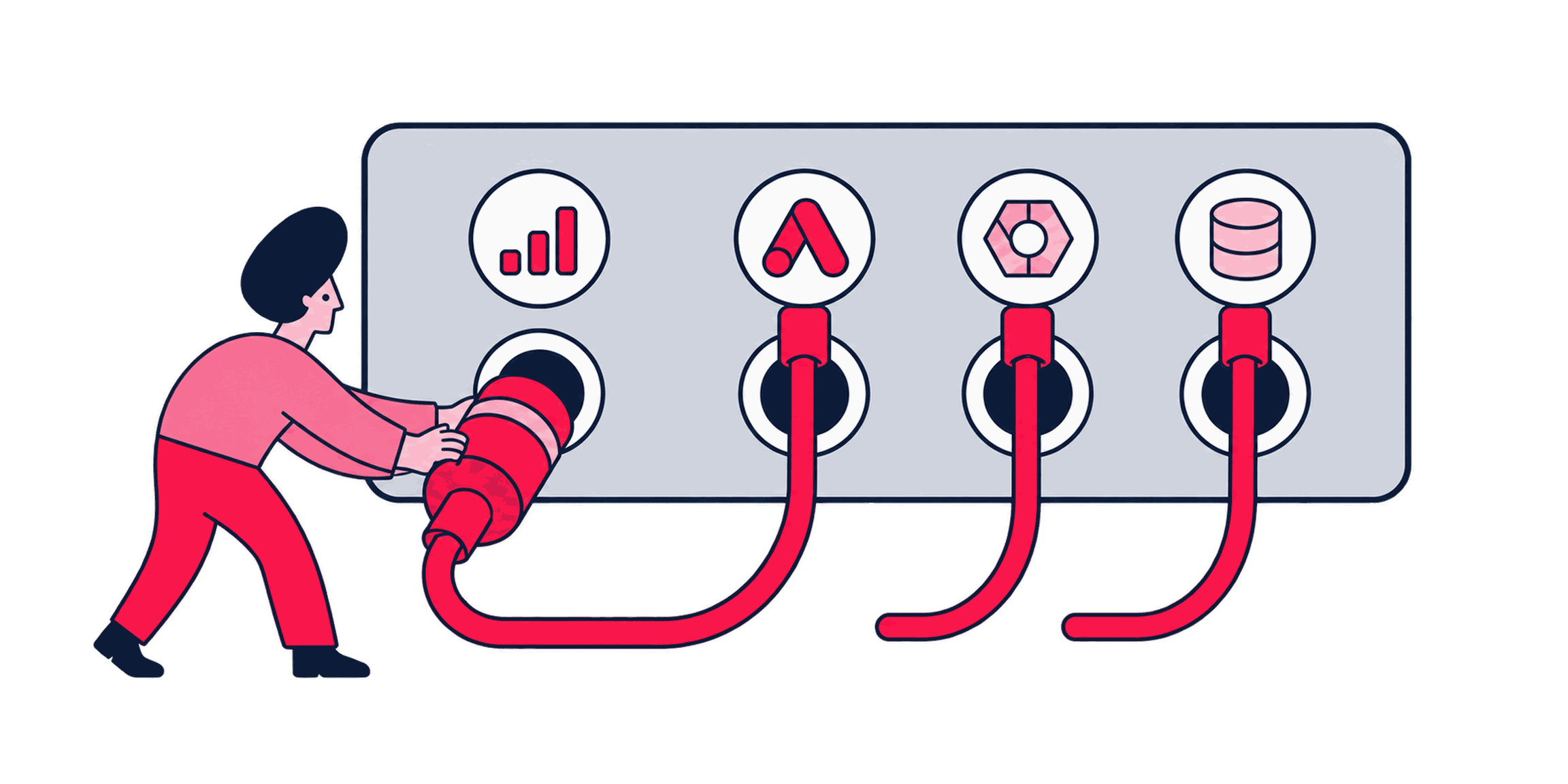
GA4 makes native links easy to enable, but each one creates a data flow someone must own. We connect only what a real use case requires, verify the destination data, and record why the connection exists. You end up with a GA4 property linked to the destinations you use, each one purposeful and checked, not switched on by default.


Some of the 500+ brands we've worked with
See all references














































How we run it
A connection is complete when the receiving team can operate it
We look at each proposed connection on its own, and skip the ones nobody can justify. The process moves from use-case review to scoped configuration, destination checks, and named ownership.
How we hold ourselves to it
- Does this connection actually enable a decision? — For every proposed link, we ask what decision or activation it actually enables, and skip the ones that don't have an answer.
- Each connection is scoped to daily export, streaming, or neither — We configure Google Ads linking, audience sharing, and BigQuery export around the intended use, including daily or streaming export, the relevant properties, and the right audiences.
- What GA4 sent and what actually landed, compared — We verify that BigQuery tables and Ads audiences reflect what GA4 actually sent.
- Every connection gets a named owner — We record who requested each connection, what it's for, and who should be asked before it's changed or removed.
Review candidate connections
We look at every available native integration and rule out the ones with no clear owner or use case. The admin rules out links with no clear owner.
Connection shortlist


Configure and scope access
We set up each approved link with the narrowest access and data scope that still serves its purpose. The admin approves the exact scope before it goes live.
Configuration record


Verify data on arrival
We compare BigQuery tables, Ads audience sizes, or other destination data with what GA4 was expected to send. The analyst confirms the flagged mismatch before reporting it.
Verification notes


Hand over ownership
We document each connection's purpose and owner so future changes go through someone who understands why it exists. The named owner signs off on the final register.
Integration register


Every native link earns its place on purpose.
Automation lists every native integration the property offers, drafts the narrowest access scope per approved link, flags BigQuery tables or audiences that look wrong, and assembles the register from the configuration records. Approval is not automated: an admin rules out links with no owner and signs the exact scope before it goes live, and an analyst confirms a flagged mismatch before it is reported.
What you get
The handover is a register your team can act on.
A record of what's connected, who owns it, and why.


Working document
Integration register
Every active connection, its purpose, its owner, and what data actually flows through it.
QA notes
Verification notes
What we checked in BigQuery, Ads, or another destination, and how the received data compared with GA4.
Configuration record
Configuration record
The exact settings for each connection, so a future admin can reproduce or safely modify it.
We call it done when: a representative sample has been compared at the destination, exports land inside the expected window, and access is scoped to the people who need it.
Fit and readiness
A link that technically works still needs an owner and a reason.
Some of what's below is a quick config change. Some of it is a bigger integration decision.
A good fit when
- You want GA4 audiences flowing into Google Ads, or GA4 data exported to BigQuery, and need it set up correctly.
- Existing GA4 links technically work, but nobody can explain which data moves through them, who owns it, or what decision each connection supports.
- GA4 offers several native connections, but nobody can tie each candidate link to a real use case, destination, or owner.
Better handled as other work when
- You need ongoing warehouse modeling after the data reaches BigQuery. That belongs in Data Enrichment & Transformation, owned by analytics engineering.
- You need dashboards built on the activated data. That belongs in Looker Studio Dashboard Development.
If one of these is closer to your situation, start here instead: All Google Analytics & GA4 Consulting tasks
We call it done when: every candidate connection has either a named owner and a stated purpose, or a decision not to enable it.
People who build your measurement system
Zeo designs measurement systems that connect a business decision to governed collection and reporting you can check. The people shown here work on the part of that system this page covers.

Yiğit Konur
Founder & Chief Strategy Officer

Samet Özsüleyman
SEO Manager

Abdullah Tanıdır
Performance Marketing Team Lead

İlker Emir
Senior Performance Marketing Executive

Mirzamin Aghazada
UI/UX Designer

Sevda Yurtvermez
Performance Marketing Team Lead

Deniz Çağın Demirci
Frontend Developer

Burak Pehlivan
Co-founder & CEO

Serap Yurtvermez
Performance Marketing Team Lead

İpek Ezer
Performance Marketing Executive

Onur Durdağı
Performance Marketing Executive
Content we've produced on this topic
Tools we use
Tools behind this work
 Google Analytics
where every candidate link gets reviewed and scoped before it is switched on
 BigQuery
the destination this page's own FAQ names, and where arrival gets verified, not assumed
 Looker Studio
the quick check that a connected destination's data is actually usable, not just present
Where this fits
Keep going


Same capability
GA4 Audit & Remediation Planning
Before a link is worth scoping, someone has to know which properties, streams, and existing connections are already live, which is the inventory the audit produces.


Same capability
GA4 Implementation & Configuration
An Ads link or BigQuery export carries whatever the property already collects, so retention, identity, and stream decisions are settled in that build first.


Same capability
GA4 Event & Conversion Tracking
An audience exported to Ads is only as clear as the conversion behind it, and those definitions are agreed in the event work, not the connection.
Next step
Connect GA4 to what you actually use, and verify it


Before we start
Questions teams ask before booking
Should we just turn on every available GA4 integration?
We'd advise against it. Every connection is a data flow someone has to understand and maintain. We start from what you'll actually use and connect only that.
Does exporting to BigQuery make our data more accurate?
No. Export gives you more flexibility to query and model the data, but it carries over the same defects already present in the GA4 property. Exports keep the same freshness rules as any other native link, daily overnight and streaming within minutes, so a bad number just arrives faster. If the source data is questionable, GA4 Audit & Remediation Planning is the better starting point.
Can you build the BigQuery models or dashboards too?
Not in this task. Once your data is exporting correctly, ongoing warehouse modeling and dashboards are separate, more specialized work.
What access does each destination need?
We need GA4 admin access and the access required by each destination, such as a BigQuery project, Google Ads account, or another platform's connection settings.